How to Enable Dark Mode on Safari for iPhone (2026)
Step-by-step guide to get the perfect dark theme on your iOS device...
Get the ultimate safari dark mode iphone experience with Noxri. Automatically generate a beautiful dark theme for every website. Easy, fast, and secure.
Download on App Store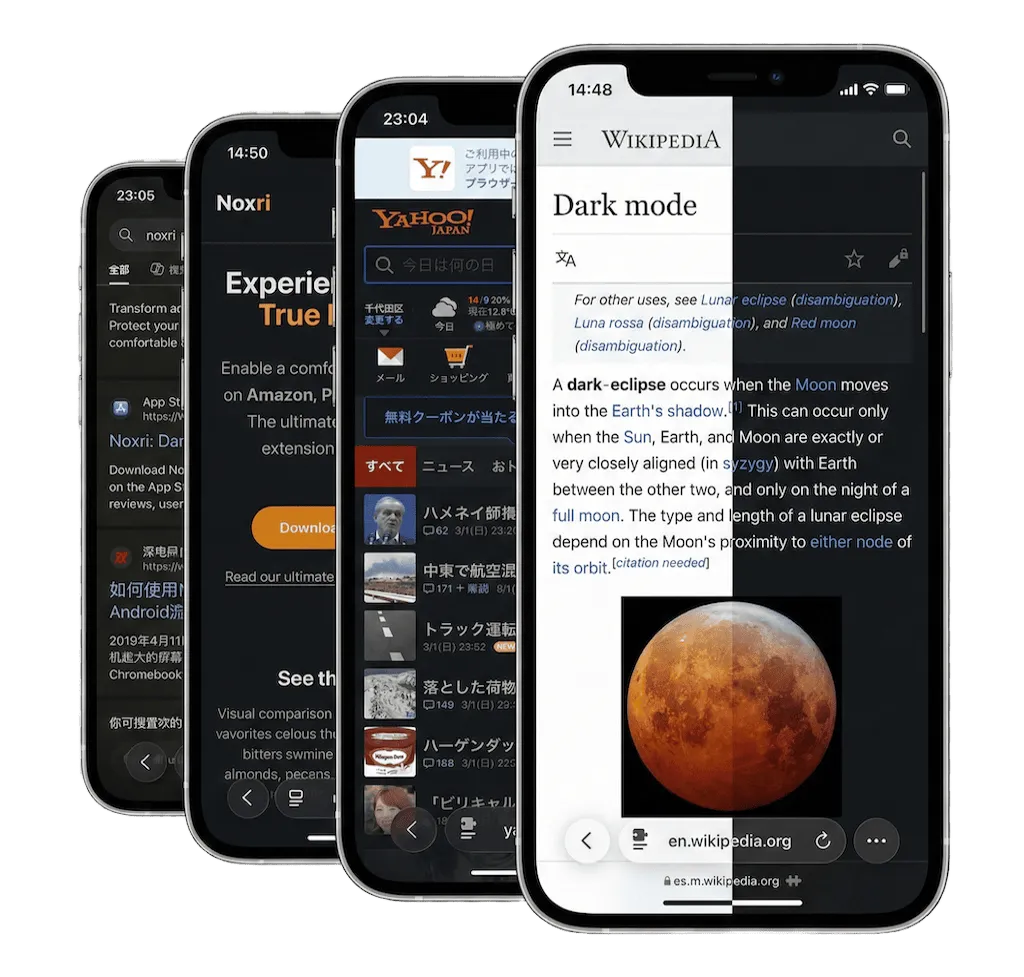
Everything you need for a faster, darker, and more comfortable browsing experience.
Intelligent color processing ensures images and videos retain their natural colors while backgrounds turn dark.
Reduce blue light and screen glare. Noxri softens bright web pages to prevent eye strain during late-night browsing.
True black pixels on iPhone OLED screens significantly reduce power consumption during night time browsing.
Noxri runs locally on your device. We do not collect your browsing history or personal data.
Compare Noxri's intelligent rendering against the default Safari experience.
| Force Dark Theme | Native: No | Noxri: All Websites |
|---|---|---|
| Site Customization | Native: None | Noxri: Per-Site Settings |
| Visual Optimization | Native: Inversion | Noxri: Smart Dimming |
| Privacy Policy | Native: Secure | Noxri: 100% On-Device |
Take full control. Exclude specific websites or sync flawlessly with your iOS system schedule.
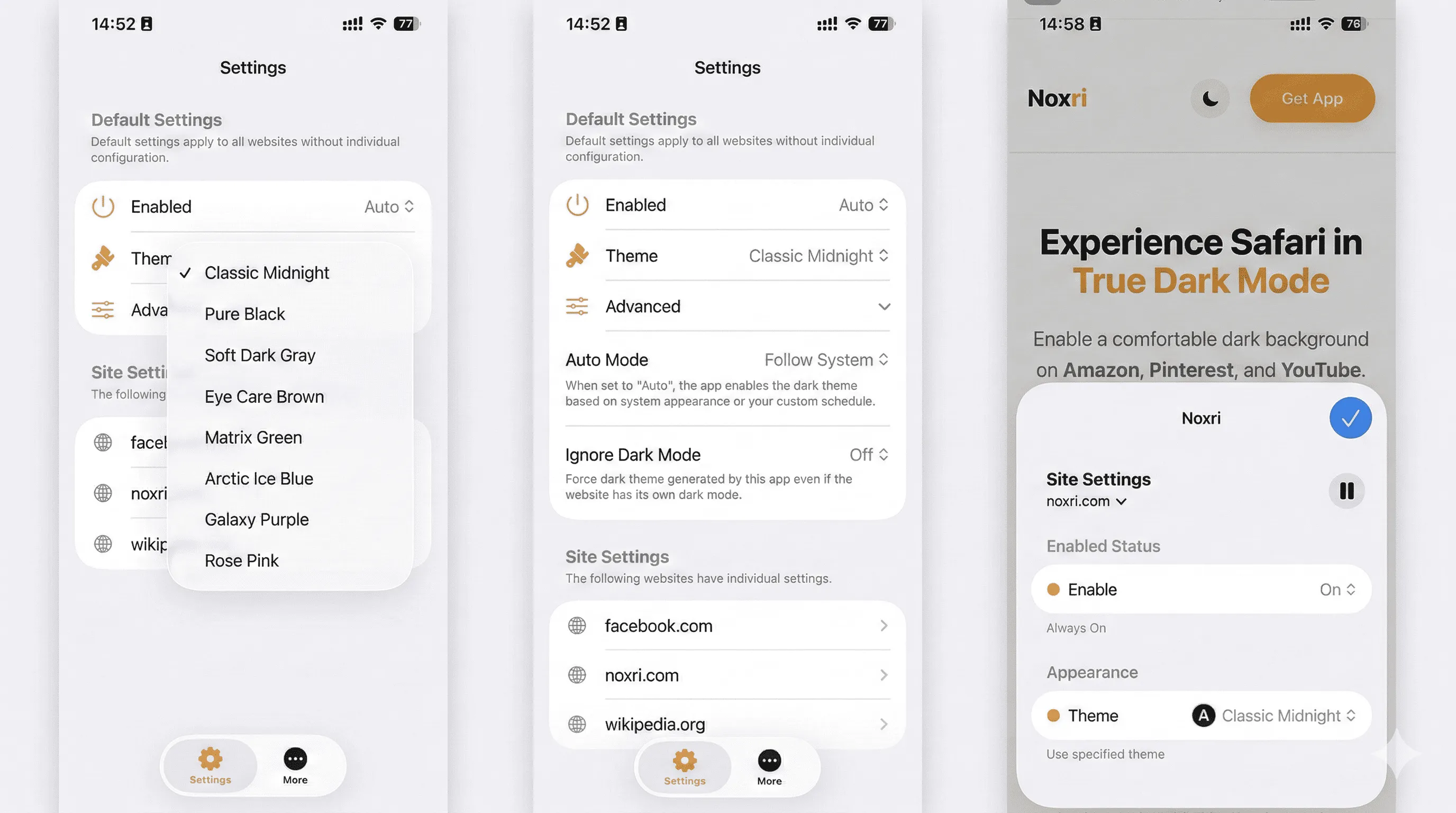
Get your perfect dark mode running in less than a minute.
To enable dark mode in Safari, download the Noxri app from the App Store, open Safari Settings, navigate to Extensions, and toggle Noxri on. It instantly applies a dark theme to all websites.
Safari follows your system's dark mode, but it doesn't force websites into dark mode. Noxri is a dedicated extension that analyzes and perfectly darkens every web page you visit.
Step-by-step guide to get the perfect dark theme on your iOS device...
Discover how using Noxri's true black mode can extend your battery life...